
Hero Health changelog
Care Navigation: Schedule your operating hours for patient requests
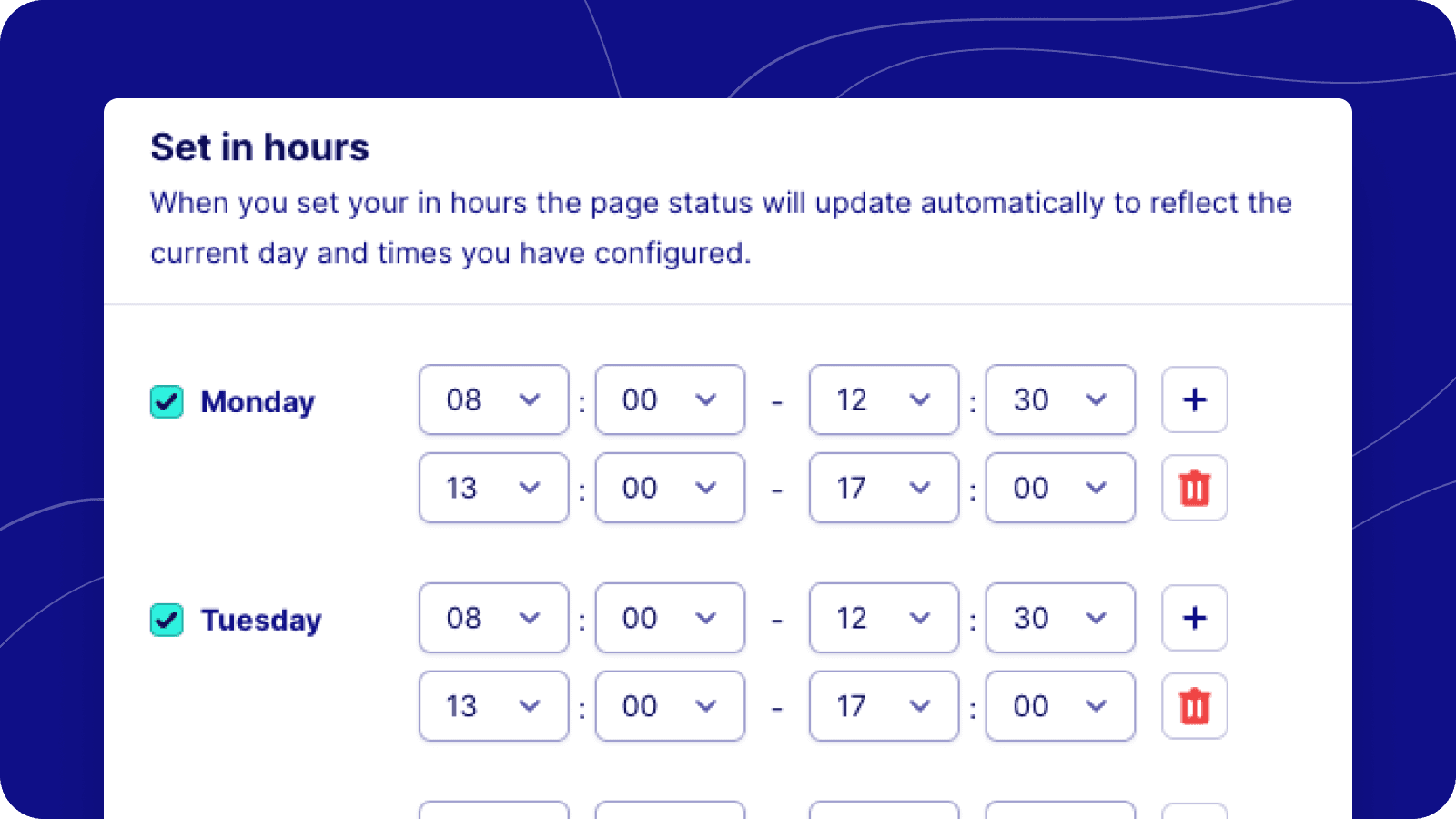
This update introduces the configuration of your in hours schedule for accepting patient requests via Care Navigation.
Operating Hours Configuration
The user interface has been updated to seamlessly integrate the configuration of both in-hours and out-of-hours settings, simplifying the setup process. When your in hours are set, out of hours is triggered automatically when the current time is outside the scheduled interval.
Schedule Configuration for Admins
Admins can define specific days and times when their practice is available to handle patient requests. This feature streamlines the management of team availability and patient care navigation.
Automated In/Out of Hours Status Updates
Administrators can now set schedules that automatically change the in/out of hours status, eliminating the need for manual updates and reducing the risk of oversights.