
Hero Health changelog
Introducing Quick Consult
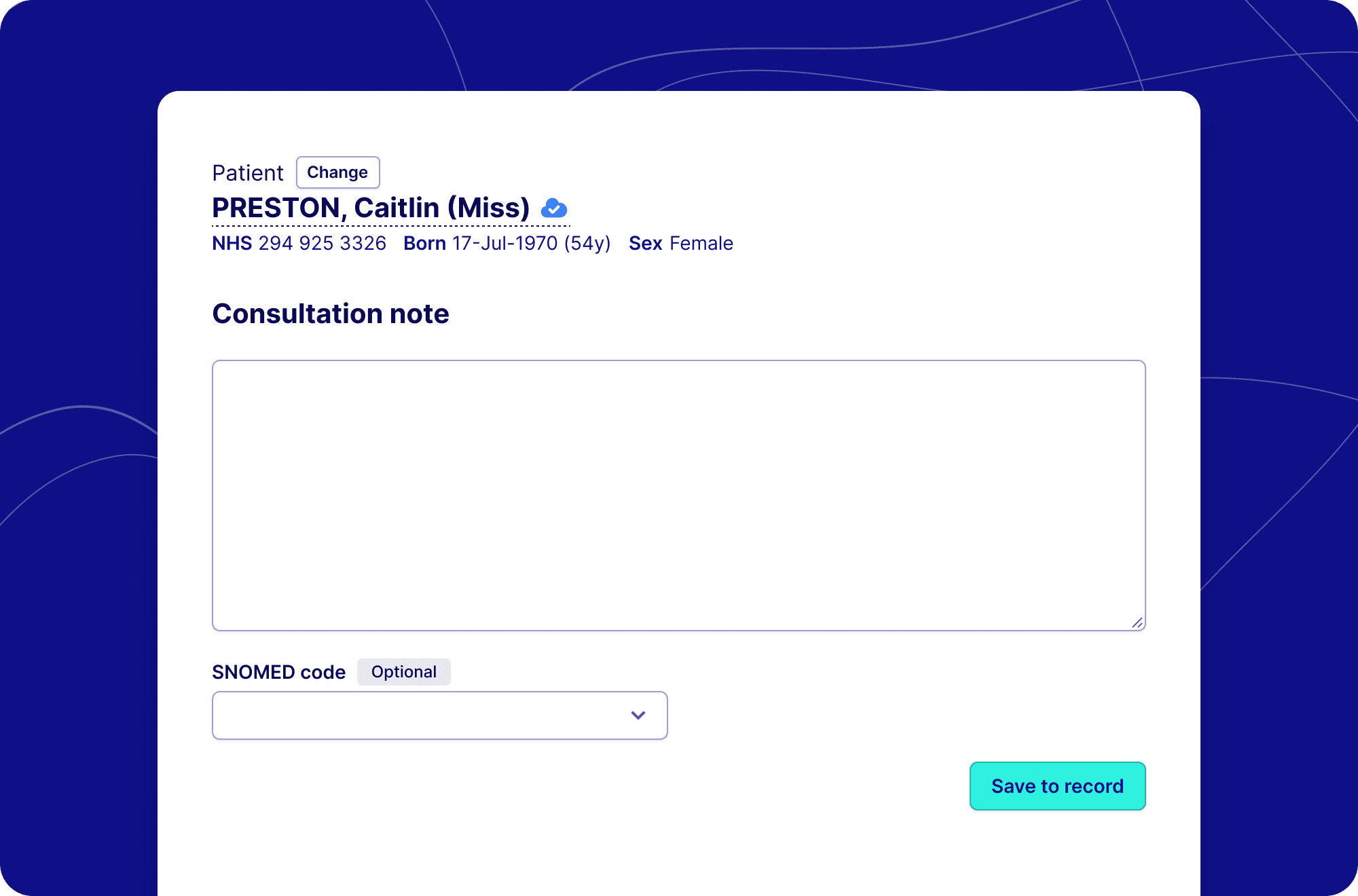
Quick Consult allows clinical teams to record notes without needing to leave Hero and interrupt their workflow. With the ability to save a 1000 character unstructured notes along with an appropriate SNOMED code, Quick Consult gives you the power to record important notes directly from Hero.
How does a quick consult save to record?
Quick Consult saves unstructured data as a consultation in the patient’s EHR record, and is surfaced directly into the patient’s care history, giving your team a chronological view of the patient’s interactions with the practice.
How can I use Quick Consult?
Quick Consult has been made available to all users who are integrated with an electronic health record. You can access quick consult in two ways; via the quick actions bar, or using the patient actions when viewing their dashboard.
Watch the demo of our Quick Consult tool to see how it works