
Hero Health changelog
Inbox: Internal notes
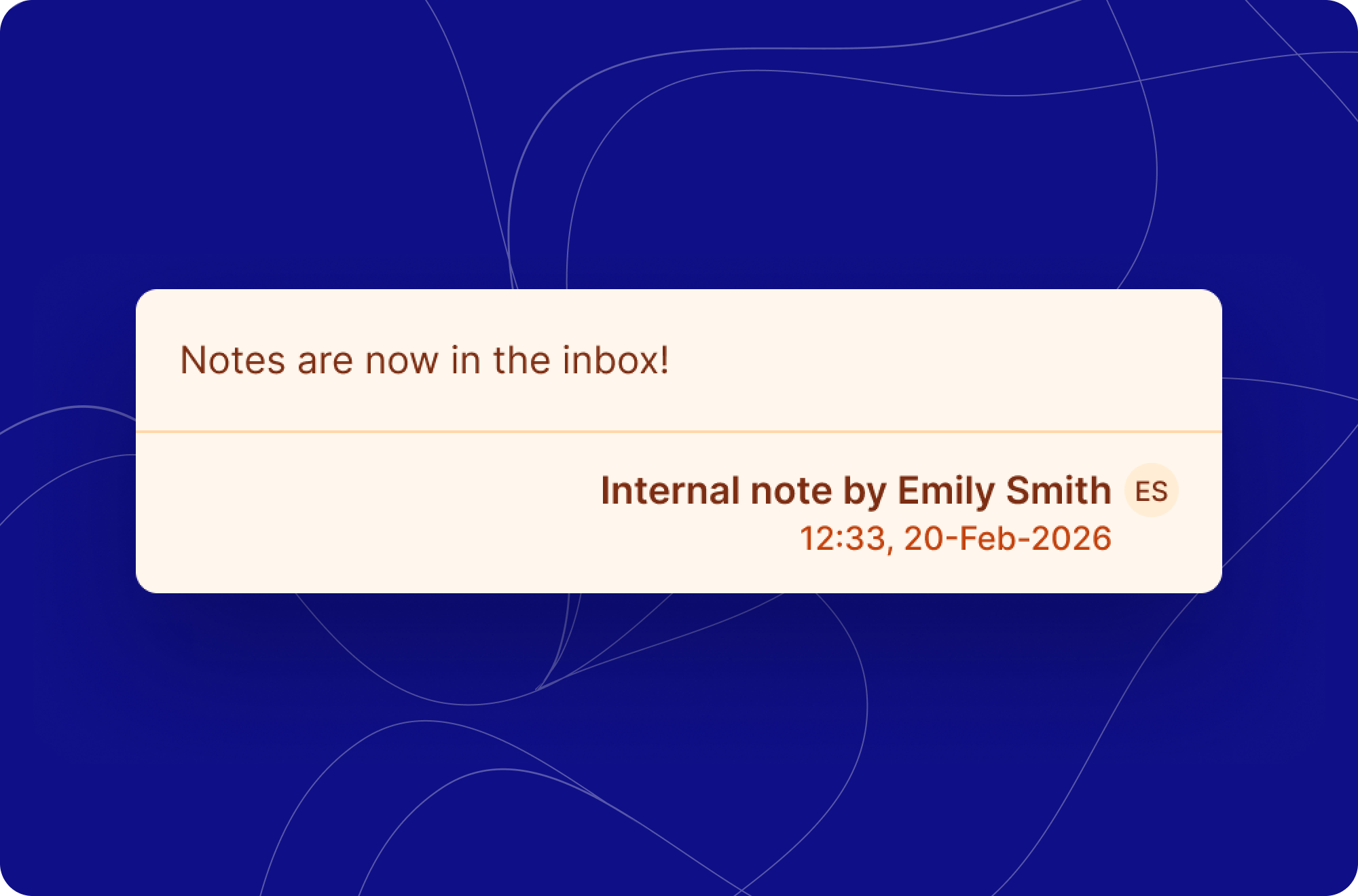
Practice staff can now add internal notes directly within the inbox, making it easier to collaborate across teams and individuals. Whether handing off a conversation or providing additional context for a colleague, internal notes keep that communication in one place without it ever being visible to patients.
Notes are composed within a patient ticket on the inbox, with a simple text area and a clearly labelled "Internal note" toolbar so it's always clear what you're writing. Once submitted via the "Add note" button, the note is saved and attributed to the admin who created it.
What’s changed
To make way for internal notes:
We have moved the Close button to the top of the ticket next to the priority and assignee
You can now send a message by selecting the 3 dots to the right of the assignee button