
.Net 3.5 required for Sidekick to function
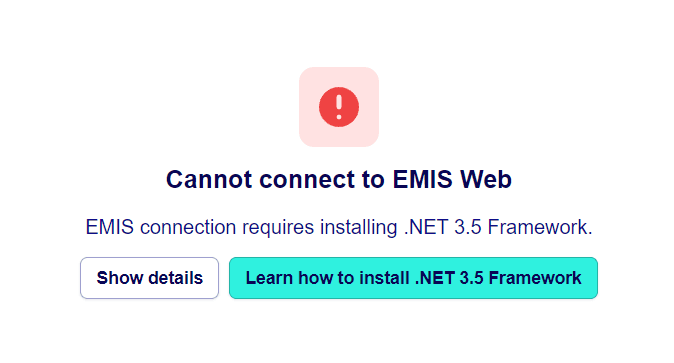
If you are seeing this error, it means there is a technical fault preventing Sidekick from connecting to EMIS.
The most common cause is that Microsoft .NET Framework 3.5 features have not been installed on the machine running Sidekick.
How to check if .NET 3.5 is installed
You may need administrator permissions or support from your IT team.
Open Windows Features
Press Windows key + R, type
optionalfeatures, and press Enter.This opens the Windows Features dialog.
Locate .NET Framework 3.5
Find “.NET Framework 3.5 (includes .NET 2.0 and 3.0)” in the list.
If it’s not ticked, Sidekick won’t be able to connect to EMIS.
Enable the feature
Tick the box next to .NET Framework 3.5 and click OK.
Windows may prompt you to download the required files from Windows Update — allow it to do so.
Restart your computer
Once the installation completes, restart the machine.
Reopen Sidekick and attempt to connect to EMIS again.
Windows version differences
The process may vary slightly depending on the version of Windows you’re using.
If you’re unsure, use Microsoft’s official documentation for your version:
Still seeing the error?
If .NET 3.5 is already installed and the issue persists, contact your IT administrator or the Hero Health support team with:
The practice name
The machine name or ID (found via "Settings" and then "Troubleshooting"
A screenshot of the error message
We can then help confirm whether the EMIS integration service is configured correctly.
Was this helpful?