
Firetext: Get started
Learn how to start sending SMS messaging with Hero using Firetext
In order to utilise Hero Health for sending messages via SMS, you will need to set up an account with Firetext. This will enable you to pay for SMS sent from your Hero account.
SMS can be sent from Hero in various scenarios, including messaging an individual patient, messaging a cohort of patients (batch messaging), messaging a practitioner when a booking is made, and messaging a patient an appointment confirmation and reminder. Practices are responsible for the cost of SMS, either through your own Firetext account, or invoiced directly from Hero on a monthly basis.
Setup your SMS account
Visit the Firetext website and sign up for an account. The process is straightforward and requires some basic information about your practice.
Once your account is active, log into Firetext and navigate to Settings > API. Here, you can view your existing API key or generate a new one.
In Hero, navigate to Settings > Integrations > Firetext. Paste the copied API key into the designated field and select "Connect your account". This action links your Hero account with Firetext, enabling SMS functionality
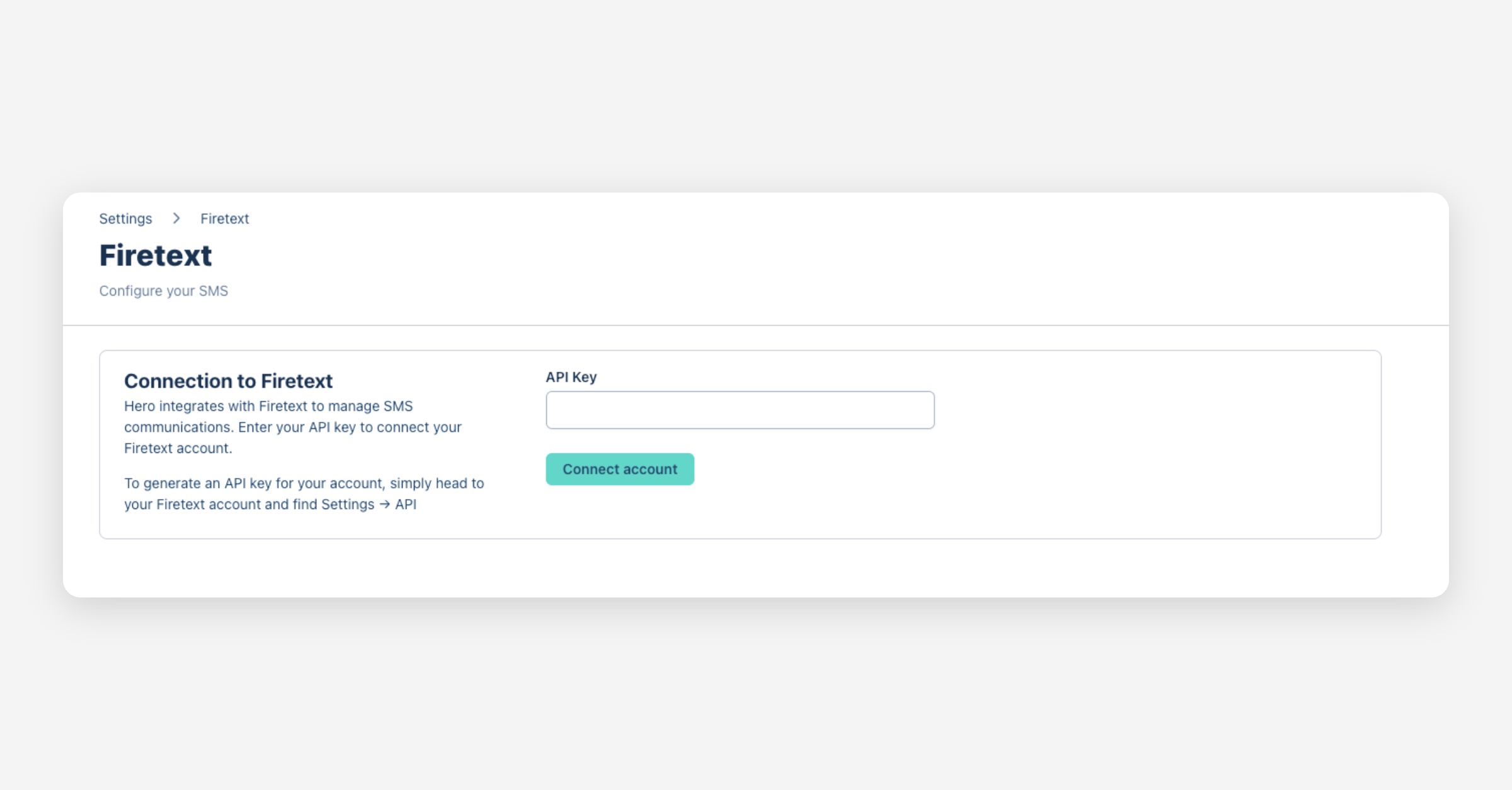
Following these steps, your Hero Health account will be successfully connected to Firetext and ready for SMS messaging.
SMS erroring from external links
Due to a recent global SMS policy update, messages that contain links from non-whitelisted domains will now be blocked. This policy is enforced by both Firetext and Mobile Network Operators (MNOs) to ensure the security and integrity of SMS communication.
This means if you are having issues with your messages not being delivered to patients, you may have entered a link that is not white-listed.
To resolve this issue you will need to resend the Campaign by pressing Message all at the top of your list of patients within the campaign and follow the steps as you usually would without the external link.
However, if you are experiencing issues with batch messaging and you have not entered an external link, please contact [email protected].
Was this helpful?