
SignatureRx: Patient experience
See what patients see when issued with a Signature Rx prescription.
What communication does a patient receive from Signature Rx once a script is issued?
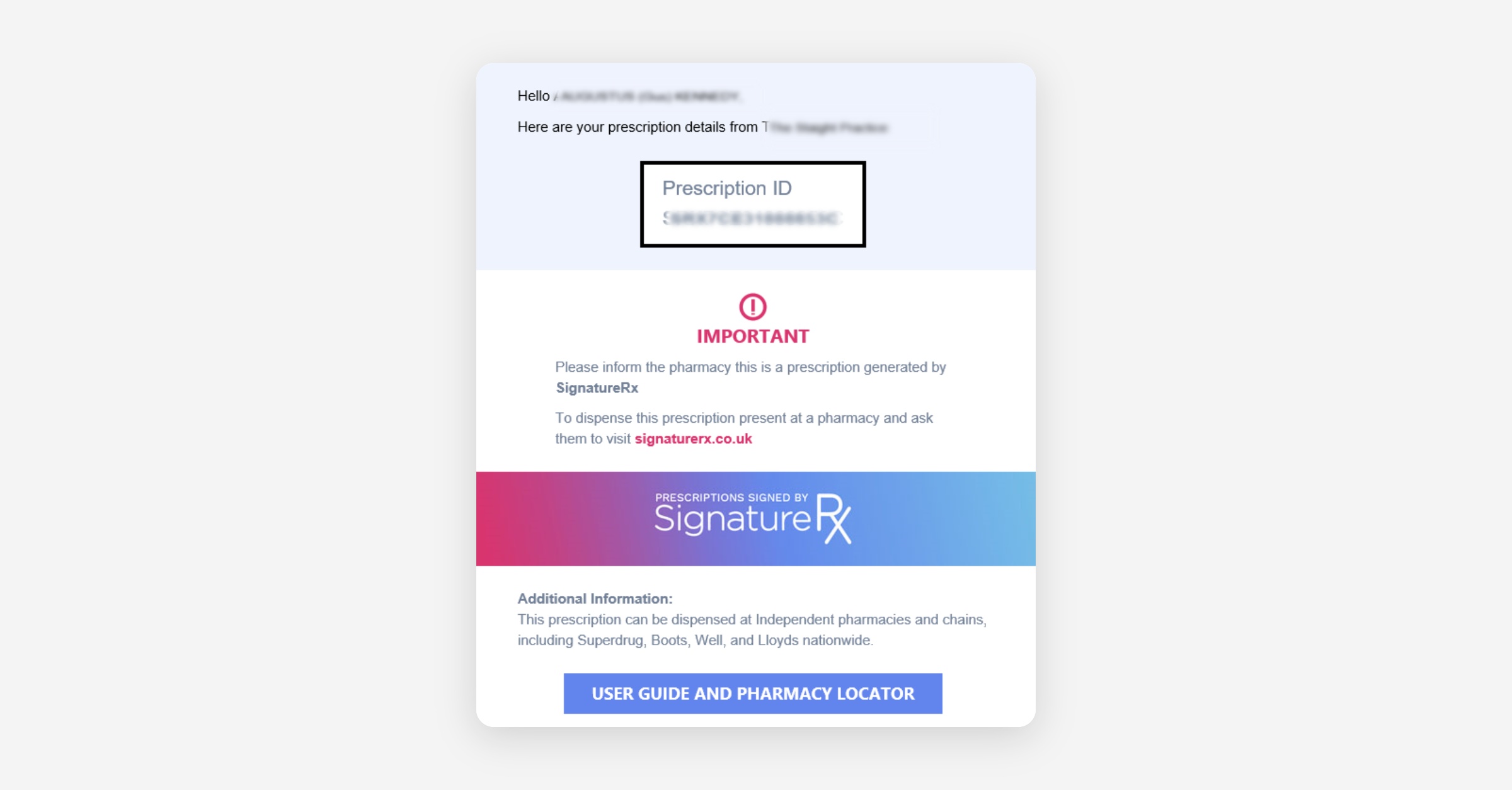
Once a prescription has been issued through Hero to Signature Rx, a message will be sent to the patient by SMS and Email with details of the script.
The emailed script will include instructions on how to collect the medication from a pharmacy or arrange for postal dispatch:
How patients can arrange for delivery of their medication
Patients can opt to have their medication delivered, by selecting the 'Deliver my prescription' option at the foot of the email:
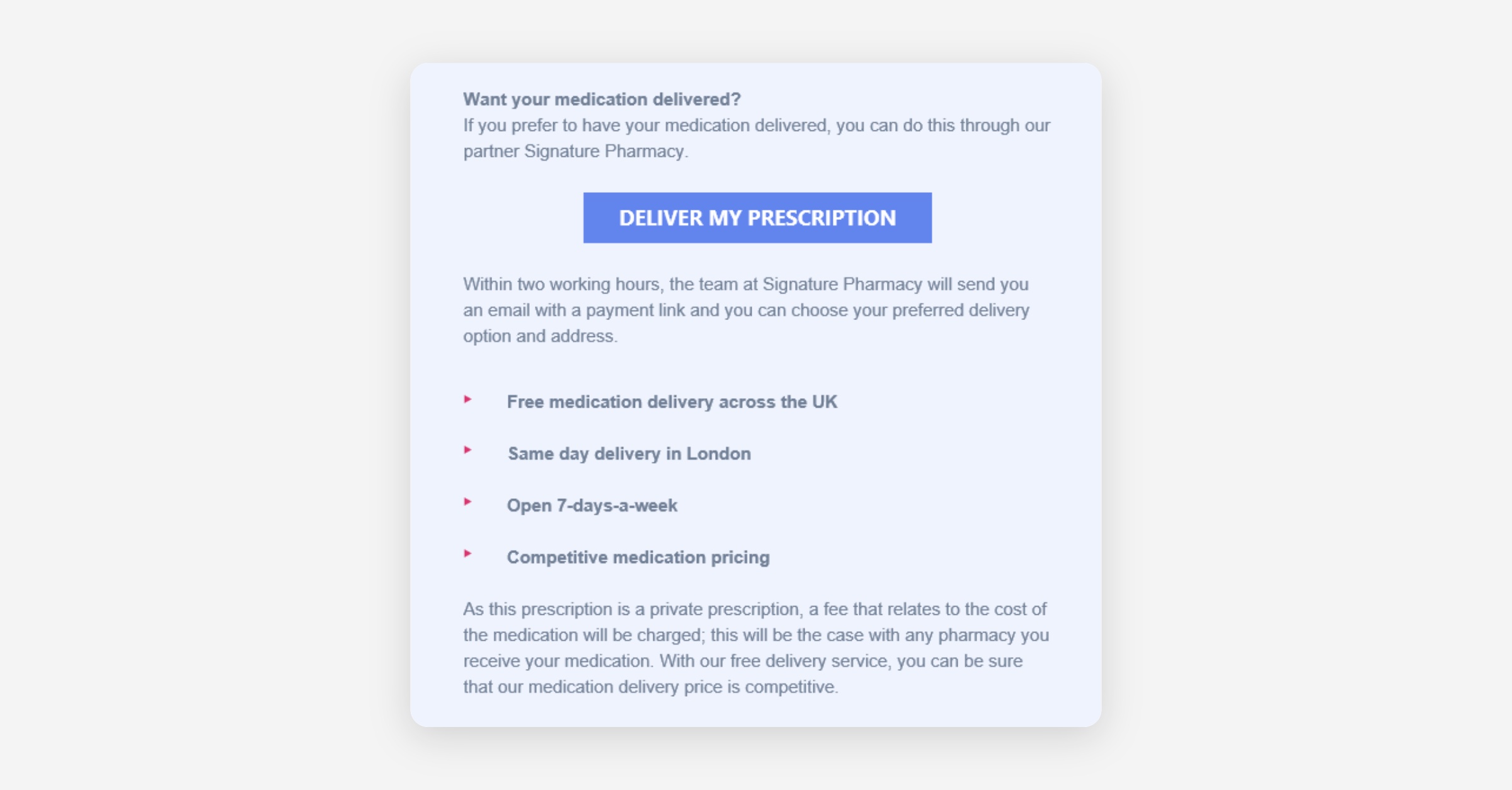
They will be guided through steps to pay for their medication and arrange delivery.
Related Articles
Signature Rx: How to issue private electronic prescriptions through Hero Health
Signature Rx: Learn how to use Hero and Signature Rx to issue private electronic prescriptions
Signature Rx: How to resend, cancel or track the dispensing status of a prescription
SignatureRx: Learn what a practice see when receiving a Signature Rx prescription
Was this helpful?