
Patient access
Learn how to embed Hero's care navigation on your website.
Once you've configured your pathways and options to suit your practice's preferences, you'll need to add a link to your website to enable patients to find and utilise your Care Navigation setup.
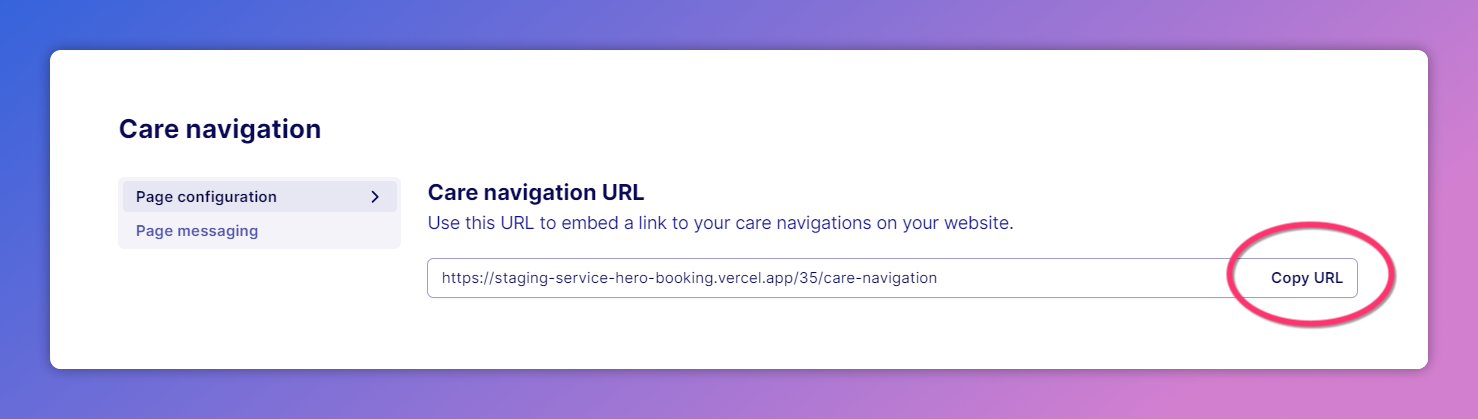
To find your practice's unique Care Navigation link, go to the Care Navigation page configuration and click 'Copy URL'. The copied web link will take patients to your practice's specifically configured Care Navigation page.
To drive patient adoption of your new pathways, we recommend that buttons to view your Care Navigation should be prominent on your homepage, and ideally across your entire site (for example, on the navigation menu).
Was this helpful?